rustyget::docs::settings_maintenance
Settings guide
Maintenance
Pictures use an isolated demonstration service and example values. Credentials are blank, folders use variables, and extension defaults are sanitized. These pictures illustrate the controls. Choose values for your installation; the pictured status comes from the demonstration service. Your build and installed extensions can differ.
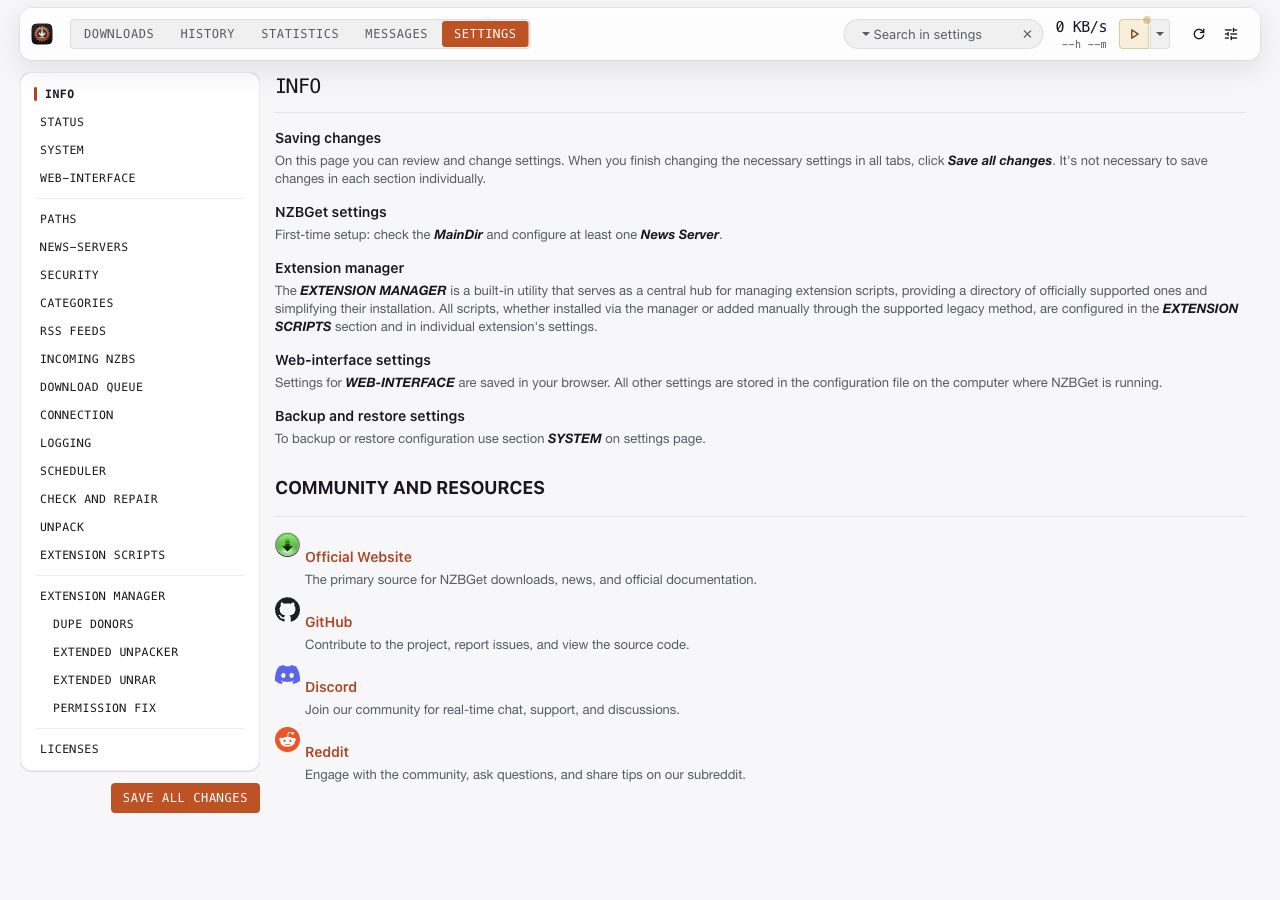
Info
Start here for the difference between browser preferences and server configuration. The page links to the first-time setup, extension manager, backups, and community resources.
Use Basic setup when configuring a new installation. Use Settings at a glance for search, help, and the compact list editors.
Status
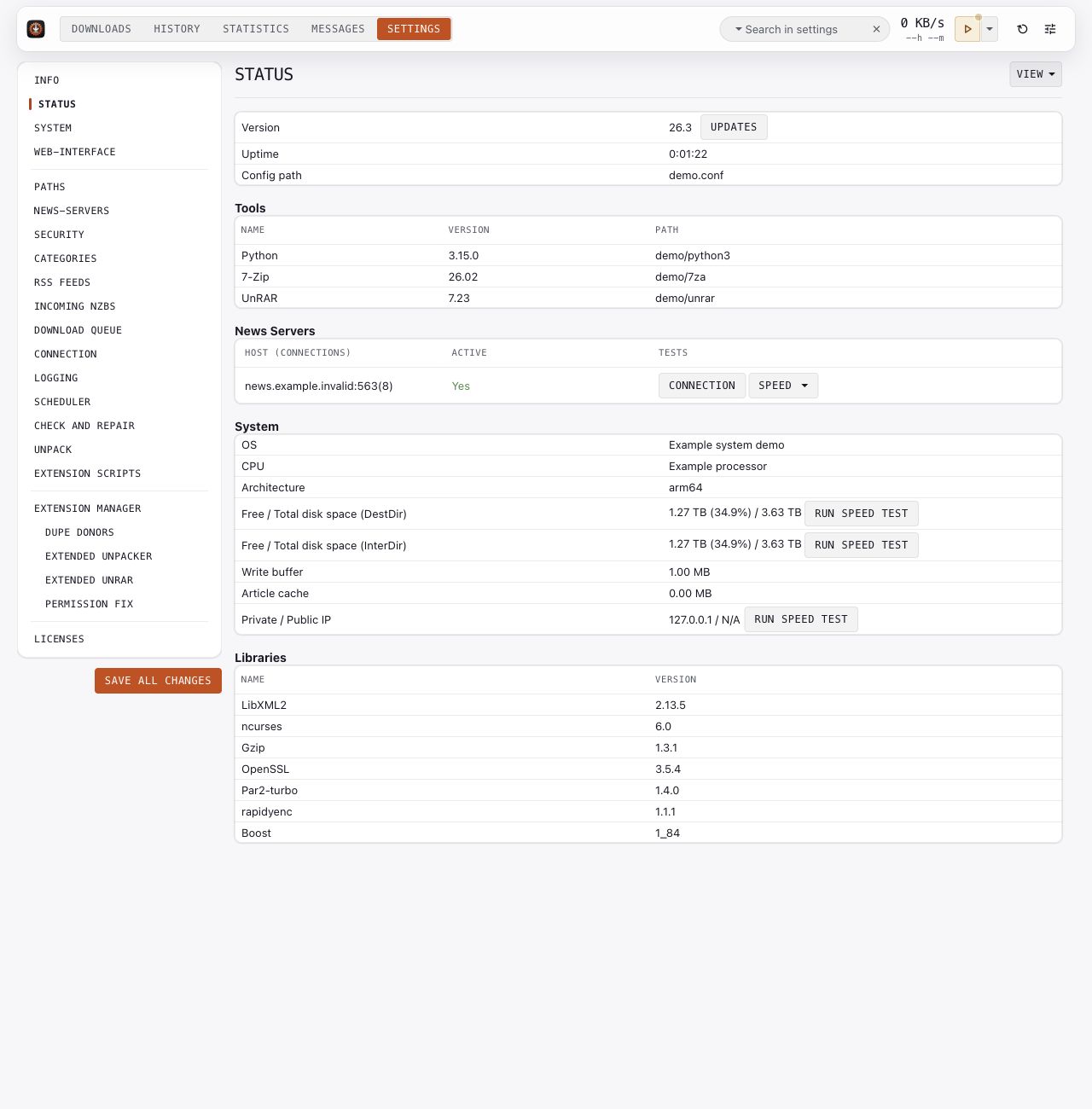
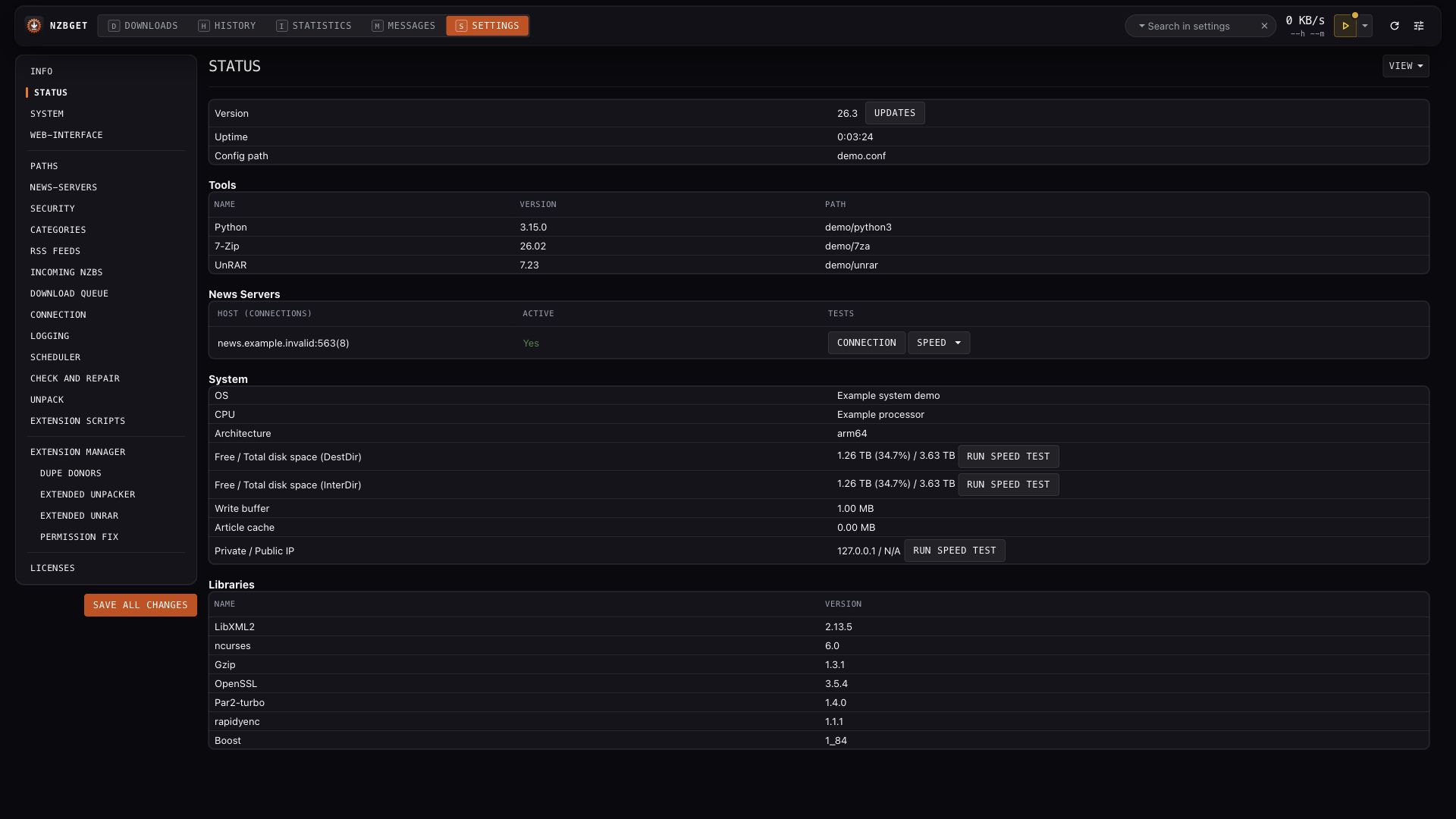
Review system health notices and service information before changing performance settings. Health notices can link you to affected options. Check the Messages tab for the surrounding error or warning, and inspect History for download-specific outcomes.
The built-in disk and server tests perform work. Run them when you can spare the relevant disk or network capacity. A result describes that installation and test, not a provider's advertised speed.
Key options: SystemHealthCheck, WriteBuffer, ArticleCache.
System
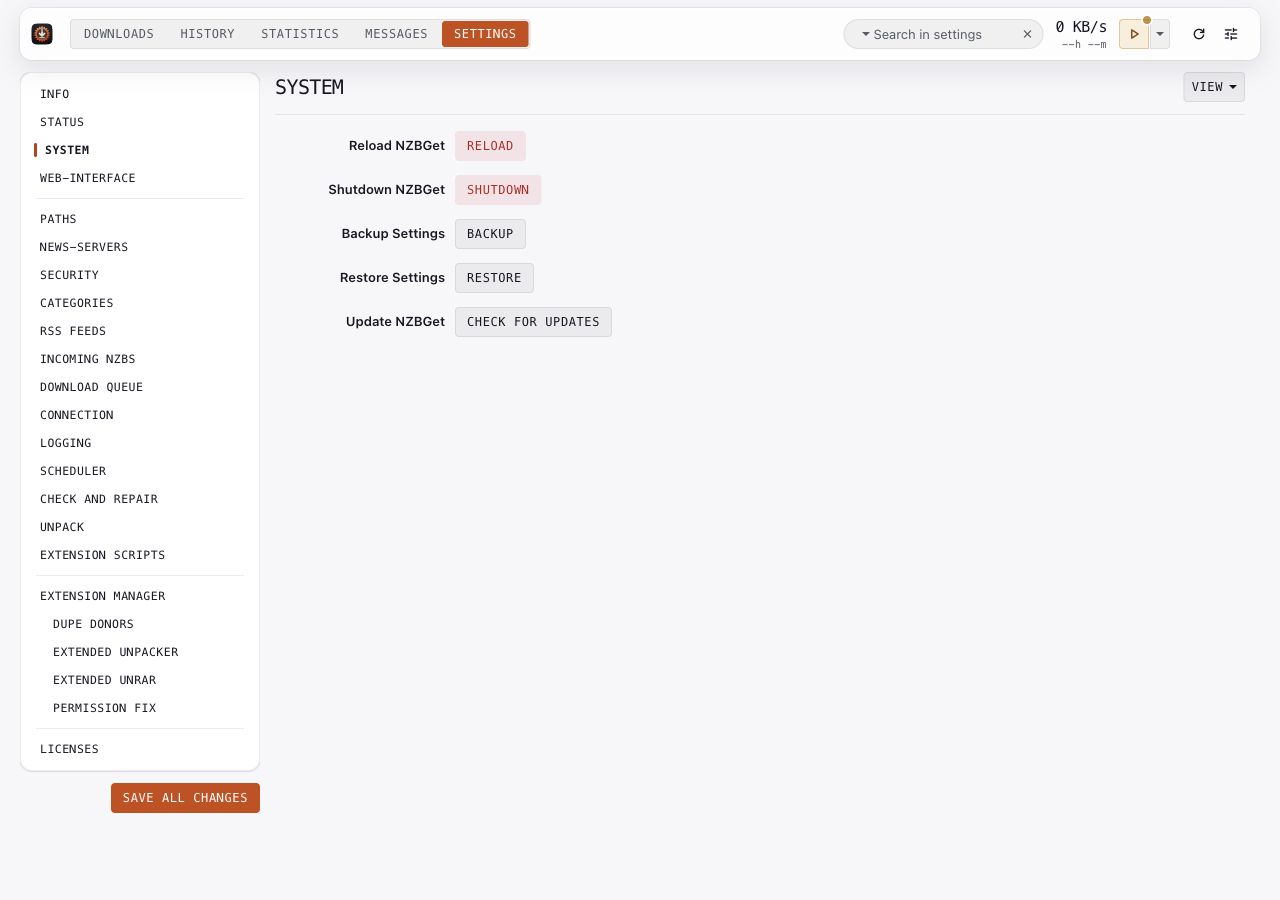
Back up configuration before a substantial change:
- Open System and choose the configuration backup control.
- Keep the downloaded backup private; it can contain provider credentials.
- Use the restore control when you intend to replace settings from a backup.
- Save and reload when prompted, then review Status and Messages.
A configuration backup is not a backup of downloaded files, the queue, or history. Preserve those separately for a deployment recovery plan. Reload applies saved server configuration. Shutdown stops the daemon; an external service manager can start it again according to your deployment.
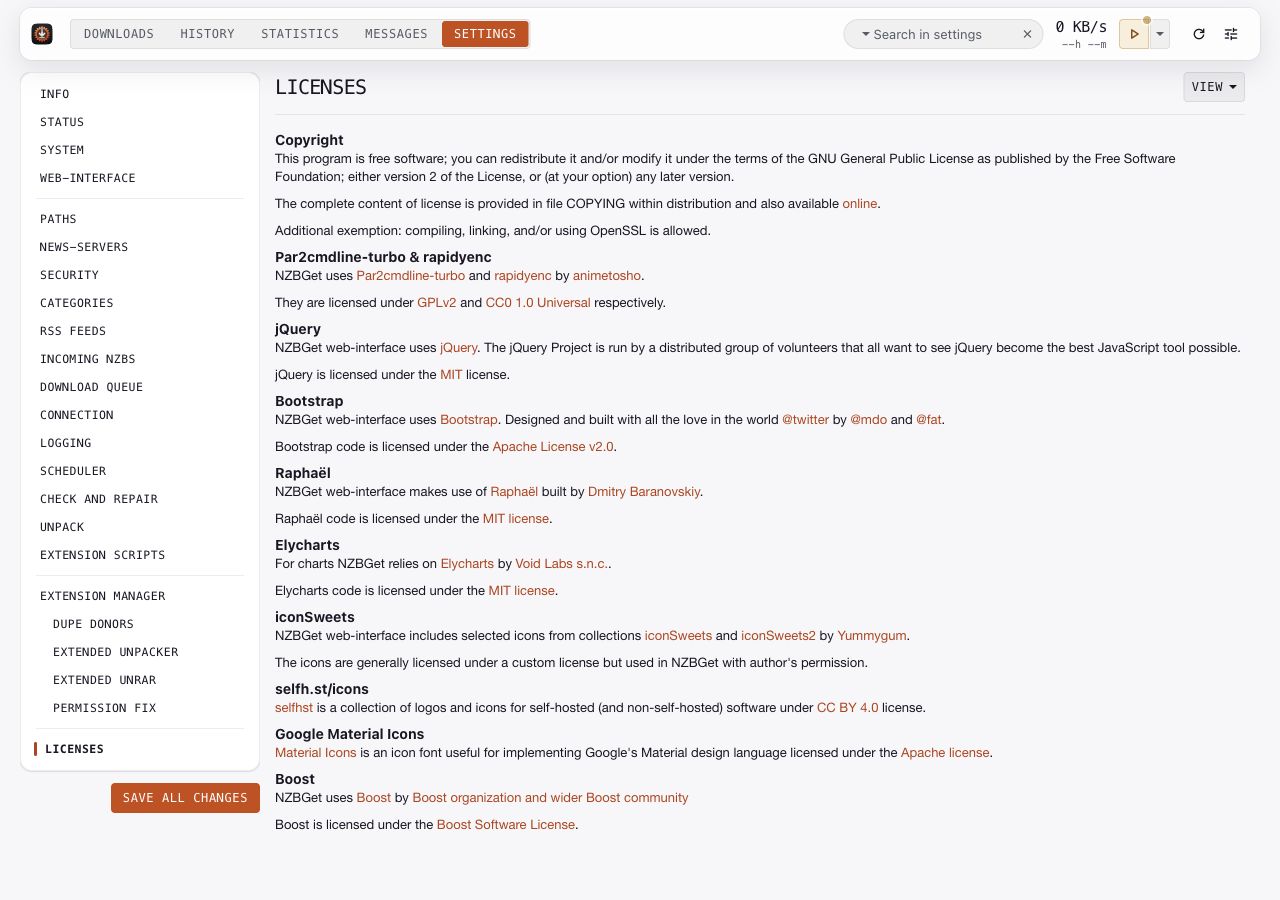
Licenses
This page lists the app's license and third-party credits. Follow the linked license texts when reviewing redistribution requirements. The repository includes the app's license in COPYING.