rustyget::docs::settings_extensions
Settings guide
Extensions
Pictures use an isolated demonstration service and example values. Credentials are blank, folders use variables, and extension defaults are sanitized. These pictures illustrate the controls. Choose values for your installation; the pictured status comes from the demonstration service. Your build and installed extensions can differ.
Extension scripts
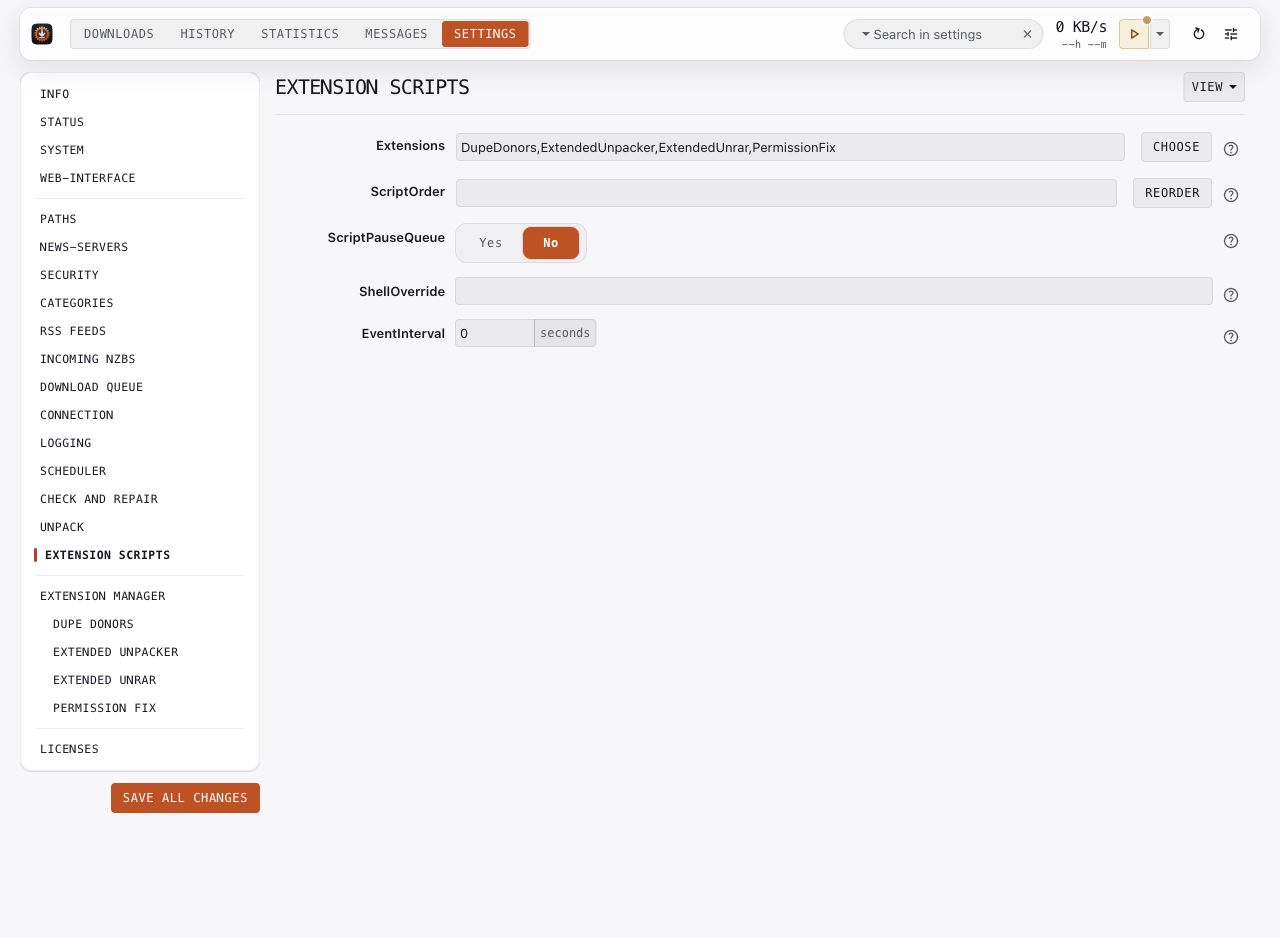
Choose the global Extensions list and review ScriptOrder. Extensions can run at different hooks; the available hooks depend on the installed extension. A category can choose its own post-processing extension list.
ScriptPauseQueue controls queue behavior during script work. ShellOverride selects interpreters for scripts that need them. Read the extension's requirements before changing those controls.
Key options: Extensions, ScriptOrder, ScriptPauseQueue, ShellOverride, EventInterval.
Extension manager
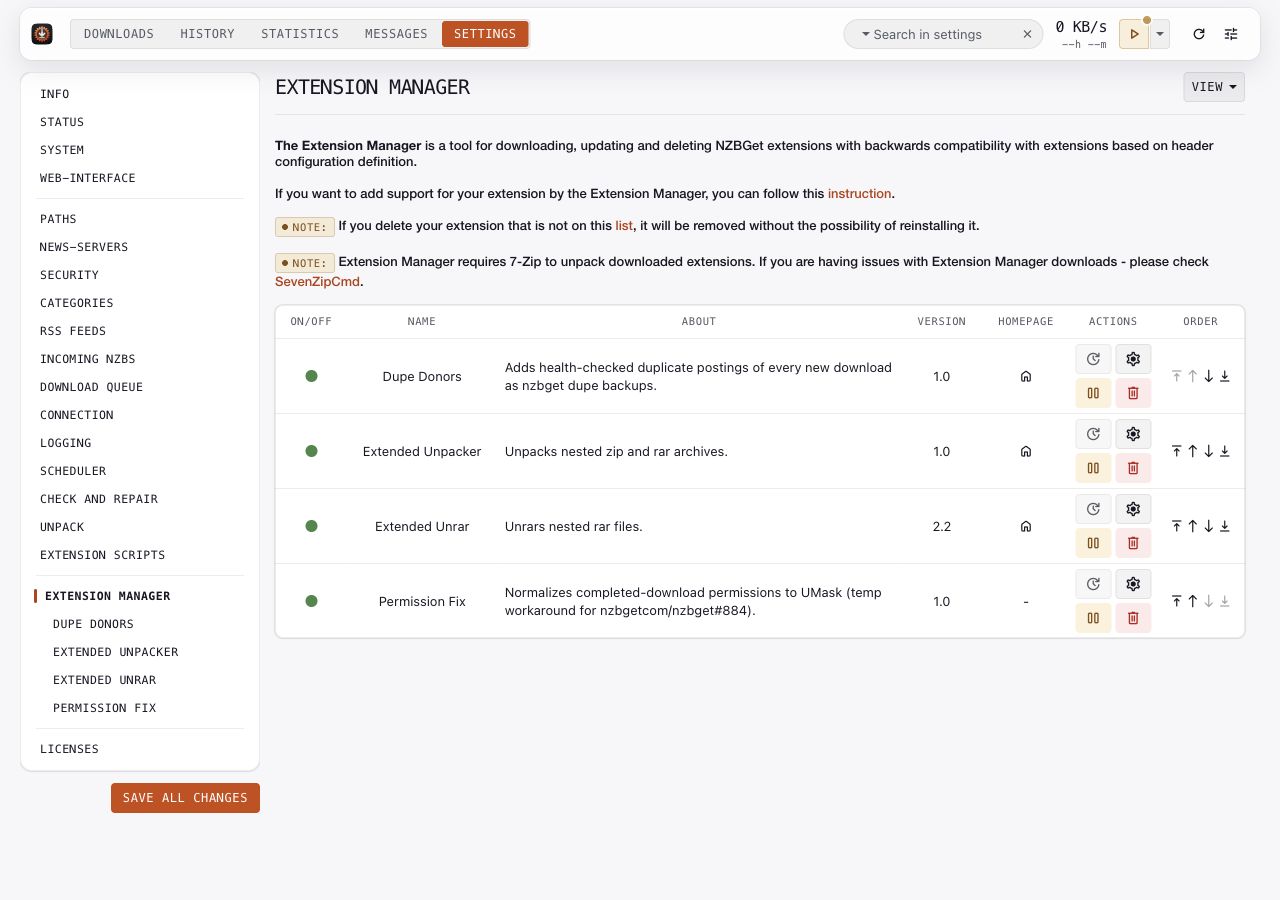
Use the built-in manager to inspect installed extensions and the available catalog. Read an extension's description, requirements, and project link before installing it. Review its settings after installation, and check Messages when an extension fails.
Installing an extension does not mean every workflow uses it. Check the global or category extension selection for the hook you intend to use. See Post-processing for the processing pipeline.
DupeDonors
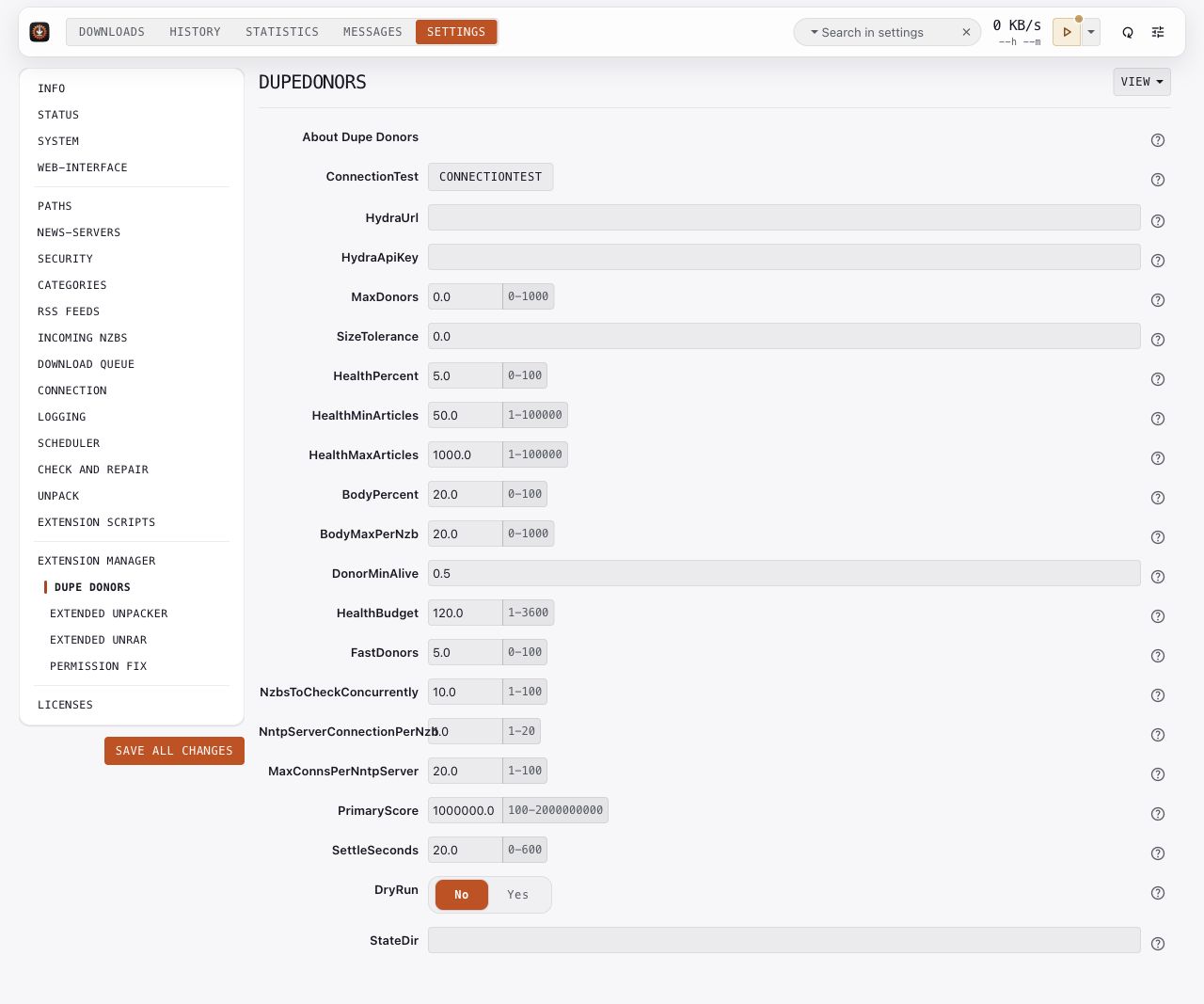
This optional extension adds health-checked duplicate postings as backup NZBs. Its controls include an indexer URL and API key, donor limits, health sampling, concurrency, and DryRun.
Read the installed version's help, configure its indexer credentials locally, and use its dry-run mode while checking the intended behavior. Keep its workflow distinct from the built-in duplicate-search controls described in Indexer search. Numeric values in the picture are sanitized examples, not tuning recommendations.
Extended Unpacker
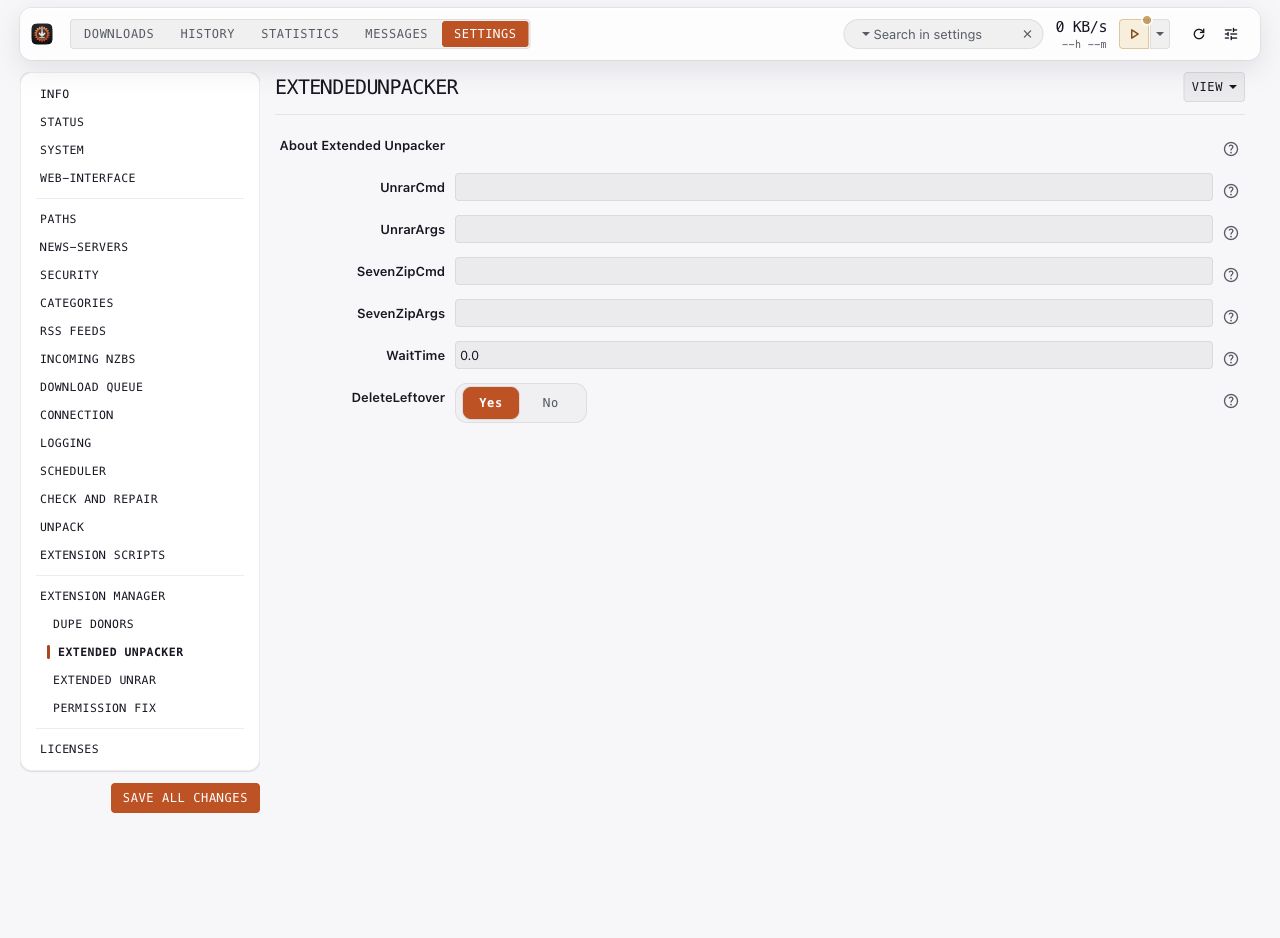
This optional extension handles nested ZIP and RAR archives. Configure its extraction tools and arguments, then review its wait and leftover-file controls. Confirm the result on a representative download before choosing cleanup behavior.
Extended Unrar
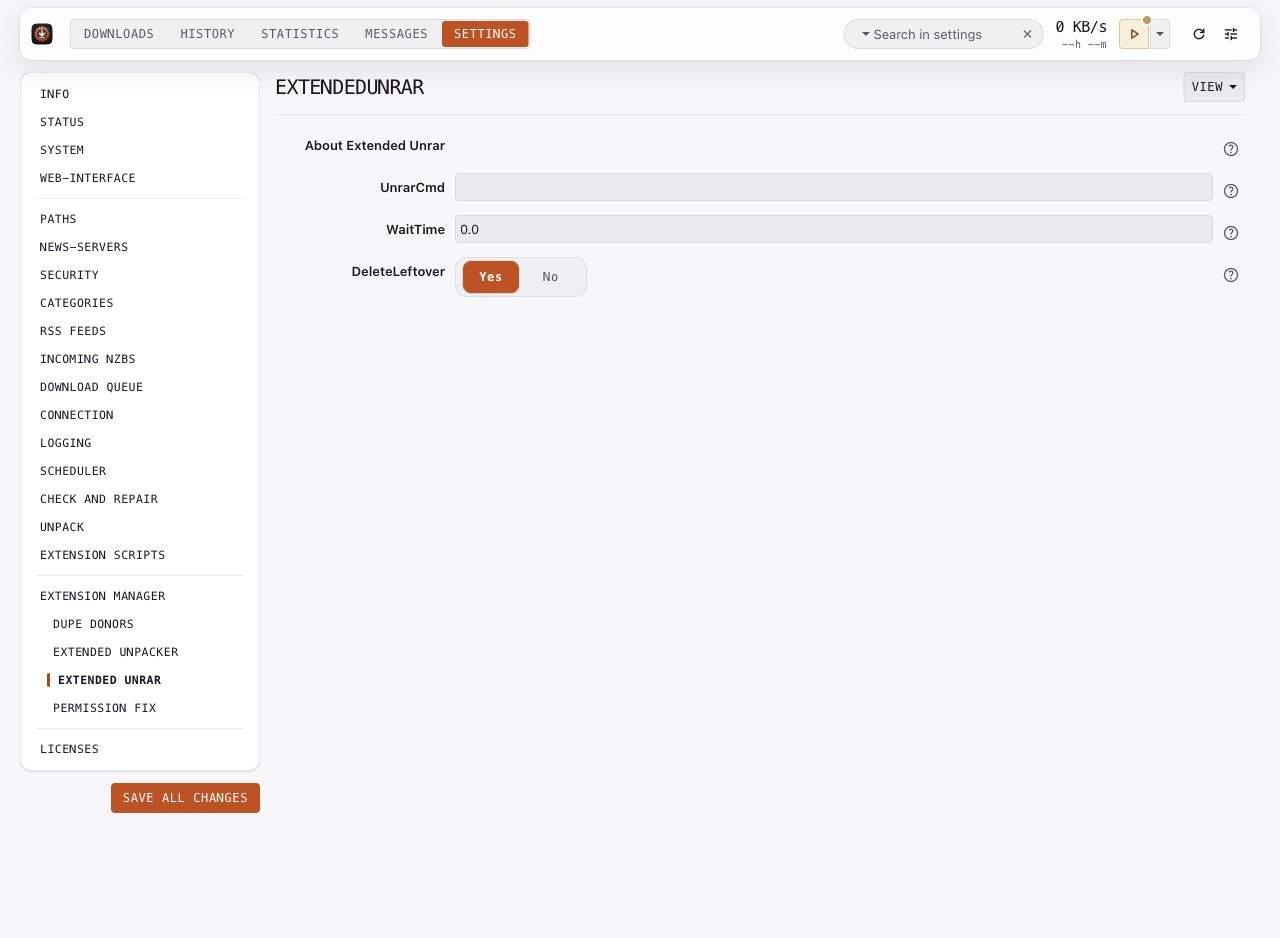
This optional extension handles nested RAR files. It has separate tool, wait, and leftover-file controls. Choose the extension that matches your archive workflow and review its relationship with global unpacking.
Permission Fix
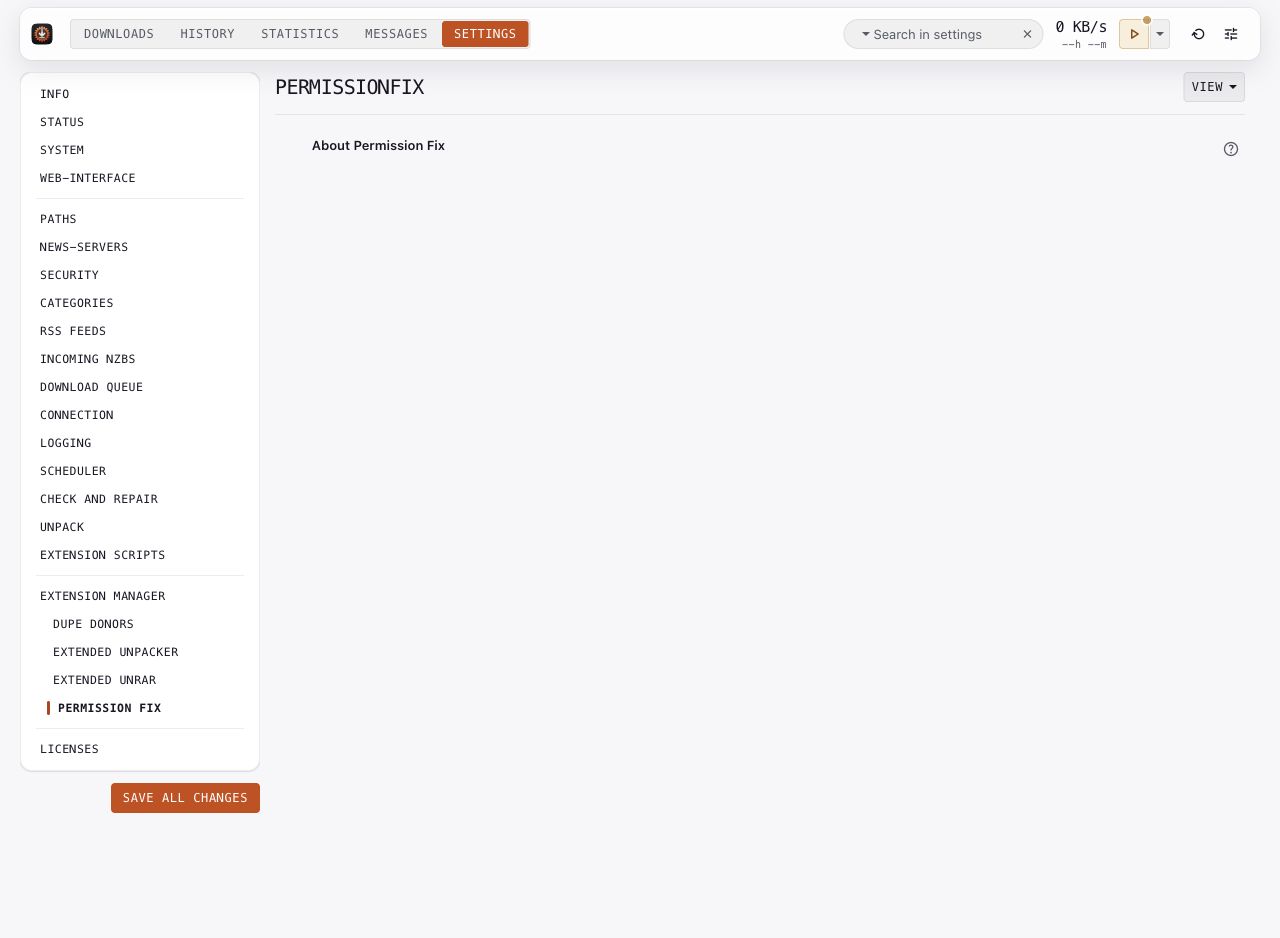
This optional extension normalizes completed-download permissions to UMask. The pictured version has no editable options. Its page provides information about the installed extension.
On POSIX services, review DaemonUsername, UMask, and folder ownership for the account that runs the daemon. An extension does not replace the deployment's permission setup.
Key options: DaemonUsername, UMask.