rustyget::docs::settings_downloads
Settings guide
Downloads and diagnostics
Pictures use an isolated demonstration service and example values. Credentials are blank, folders use variables, and extension defaults are sanitized. These pictures illustrate the controls. Choose values for your installation; the pictured status comes from the demonstration service. Your build and installed extensions can differ.
Incoming NZBs
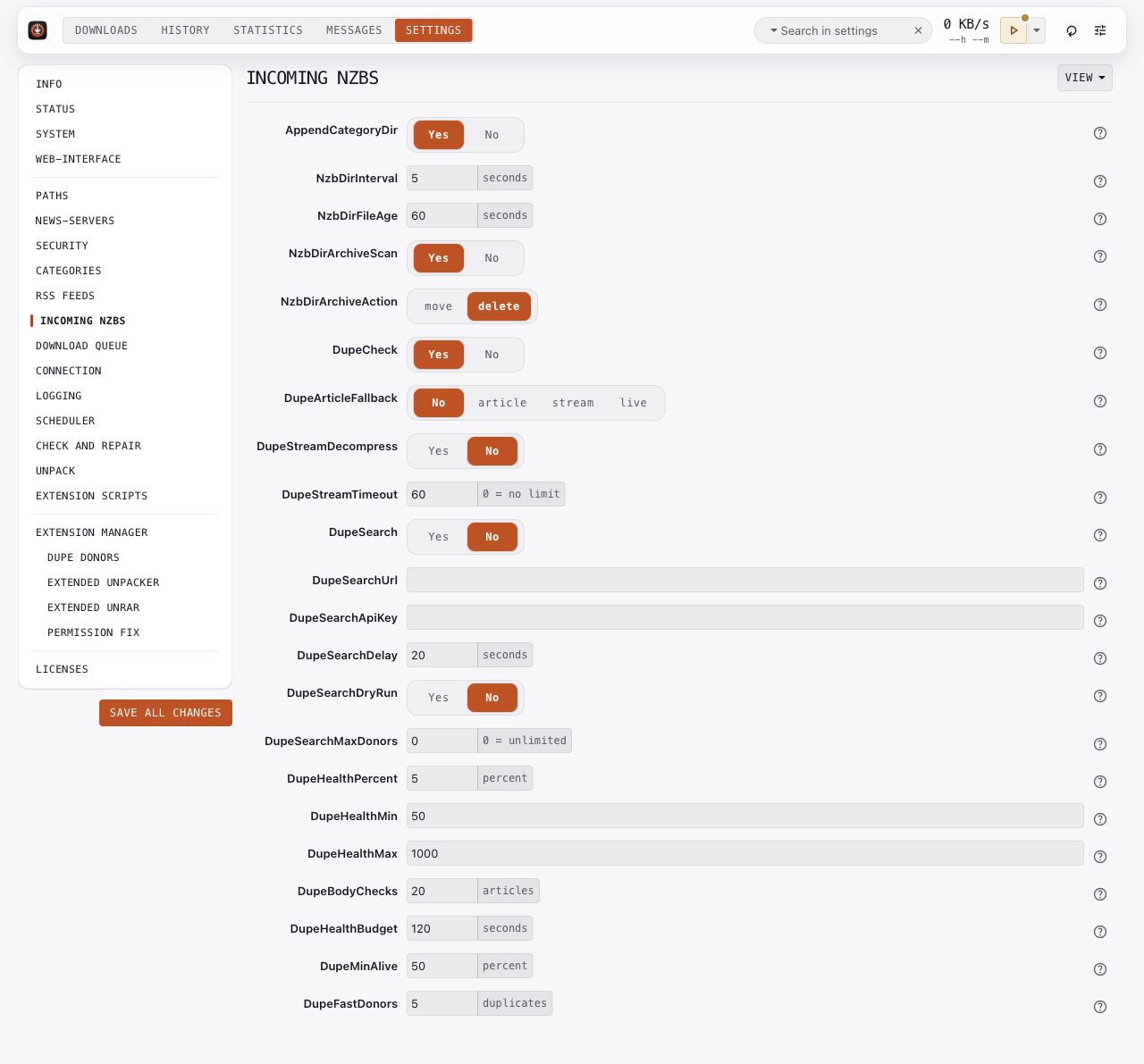
Set the scan interval and file age for the watched NZB folder. AppendCategoryDir controls category subfolders. Review archive scanning options if another program submits packed NZBs.
Duplicate handling belongs here too. DupeCheck groups backups by duplicate key. DupeArticleFallback enables article or live byte recovery from other copies. DupeSearch asks your configured indexer for more copies; start with DupeSearchDryRun while checking its behavior.
Keep the indexer URL and API key private. Follow Duplicate fleets and Indexer search for the complete setup.
Key options: NzbDirInterval, NzbDirFileAge, DupeCheck, DupeArticleFallback, DupeSearch, DupeSearchDryRun.
Download queue
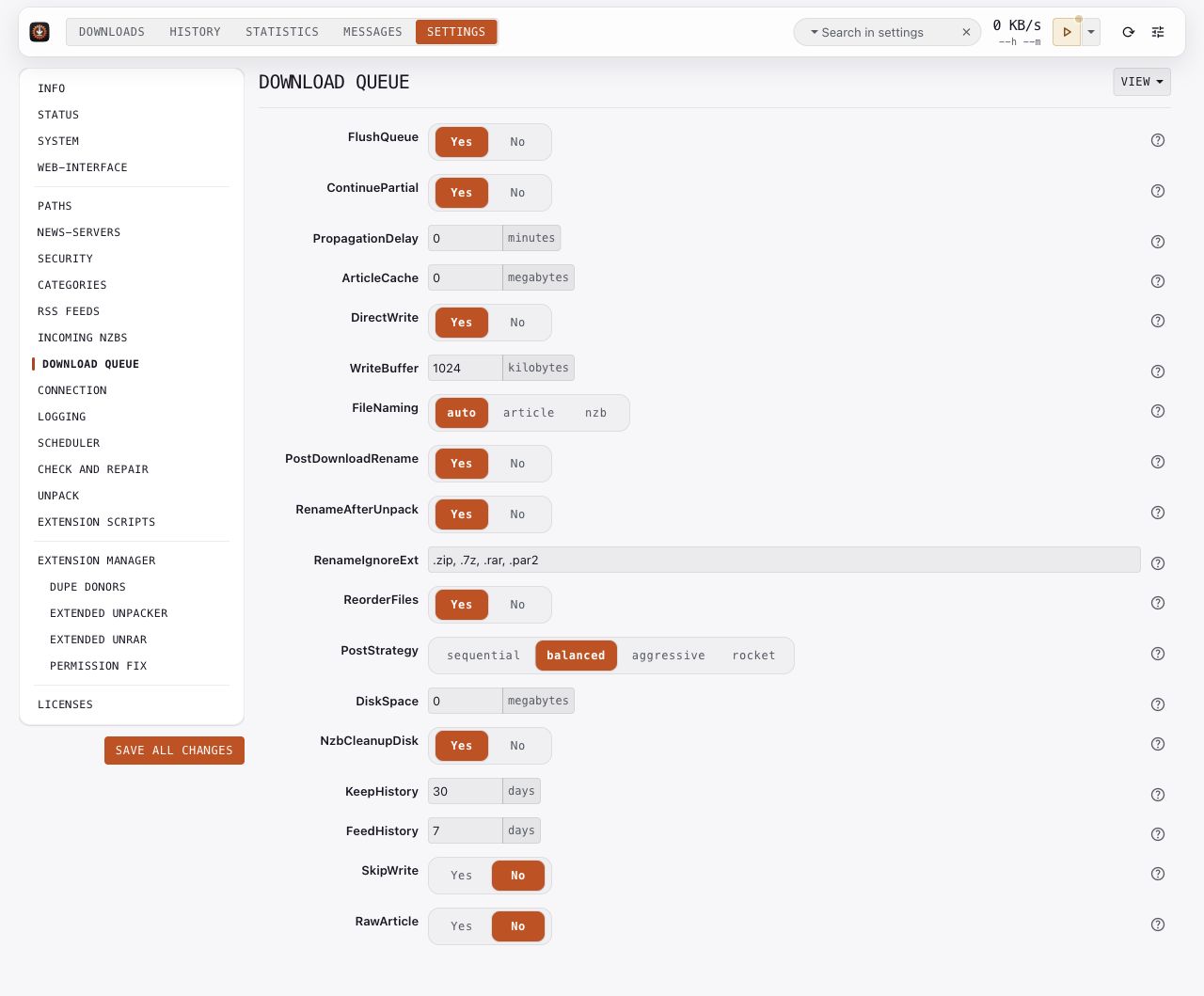
Review queue persistence and partial-download continuation before changing cache or disk behavior. ArticleCache and WriteBuffer affect memory and write buffering. DiskSpace controls the free-space pause threshold.
KeepHistory sets history retention. NzbCleanupDisk controls whether the original NZB remains on disk. Duplicate fleets can need those original NZBs as sources, so follow the fleet guide when choosing cleanup behavior.
Use Performance for measured tuning guidance. Keep SkipWrite and RawArticle for their documented diagnostic uses.
Key options: ContinuePartial, ArticleCache, WriteBuffer, DiskSpace, KeepHistory, NzbCleanupDisk.
Connection
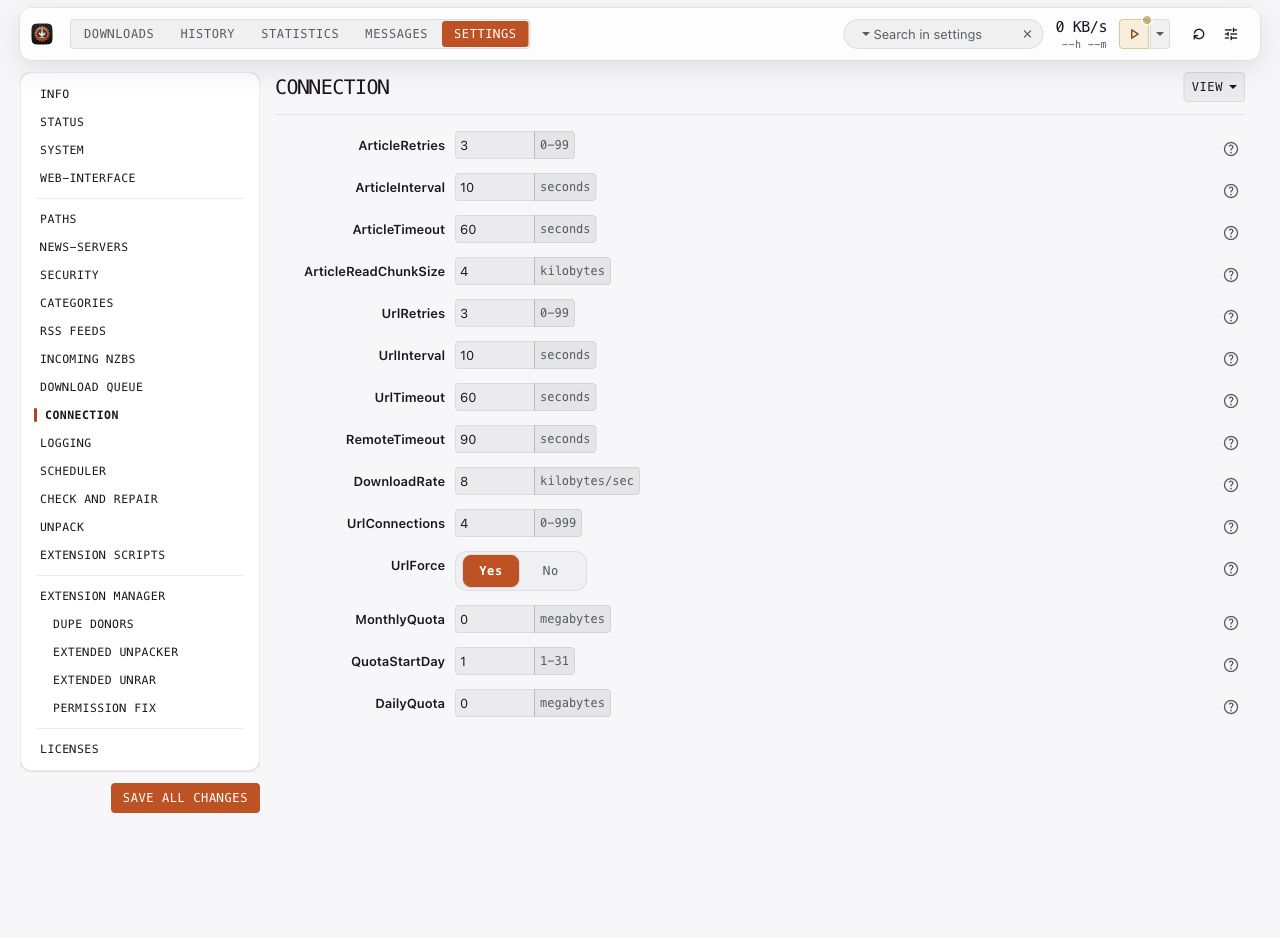
Set timeouts and retries for your network. ArticleRetries and ArticleInterval govern article retries; URL downloads have separate retry controls. DownloadRate sets a rate limit, and zero removes that limit.
Monthly and daily quotas count download volume. Review quota units and the billing-period start day in option help. After changing retries or timeouts, check Messages for recurring failures rather than changing several controls at once.
Key options: ArticleRetries, ArticleTimeout, UrlRetries, UrlTimeout, DownloadRate, MonthlyQuota, DailyQuota.
Logging
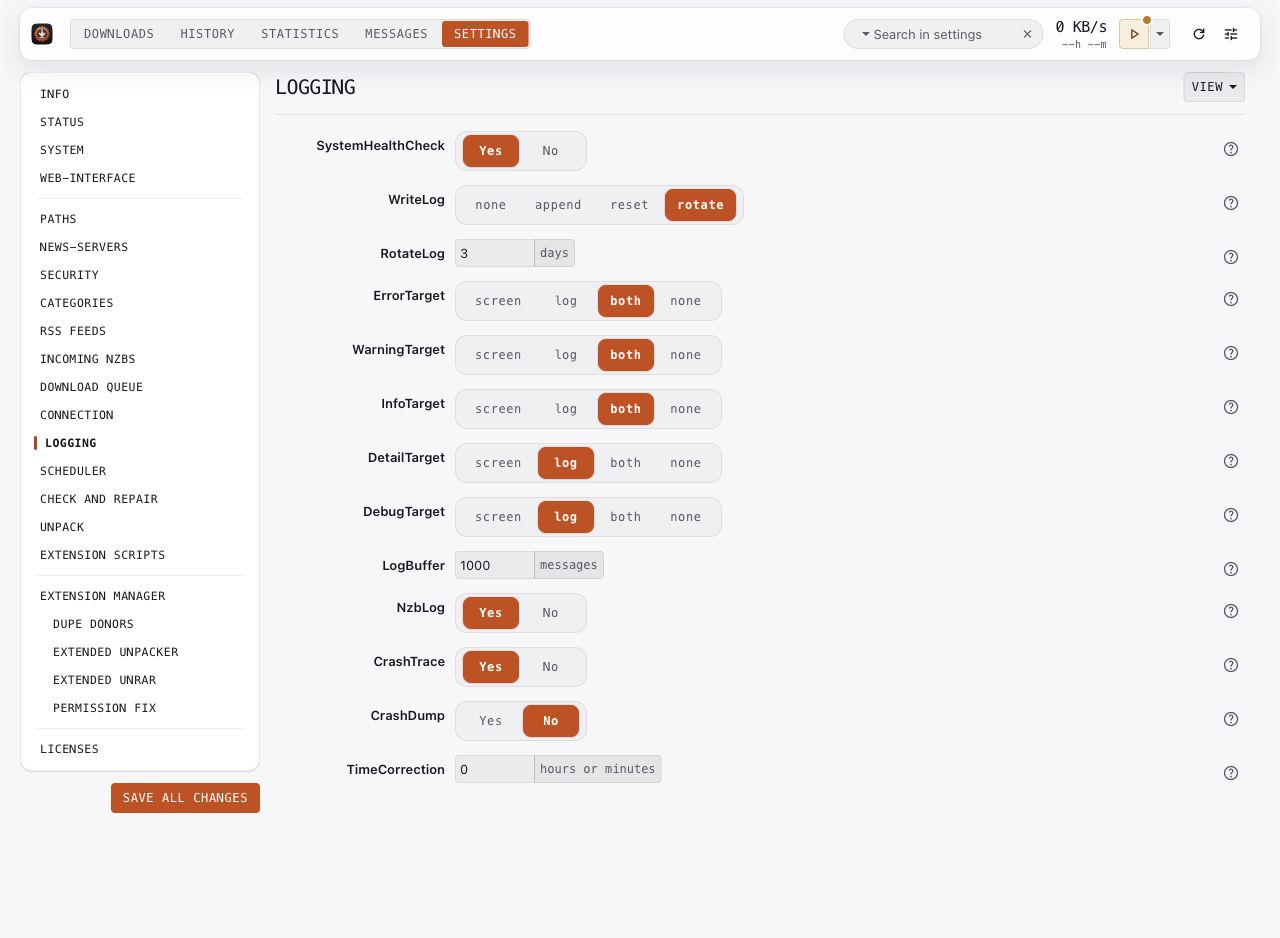
Enable SystemHealthCheck to expose configuration notices. WriteLog, RotateLog, and the log targets control file and screen output. LogBuffer controls the in-memory message buffer; NzbLog controls per-download logs.
Use debug output when investigating a specific issue, then return to the level you normally use. Before sharing logs, remove credentials, private URLs, and identifying download details. The Messages tab and a download's History details provide context for failures.
Key options: SystemHealthCheck, WriteLog, RotateLog, LogBuffer, NzbLog, TimeCorrection.